Let your clips talk.
Even when you can't.
Need a break? Clipify got you covered. Auto-play clips while you are away - keep your stream alive and your viewers entertained.
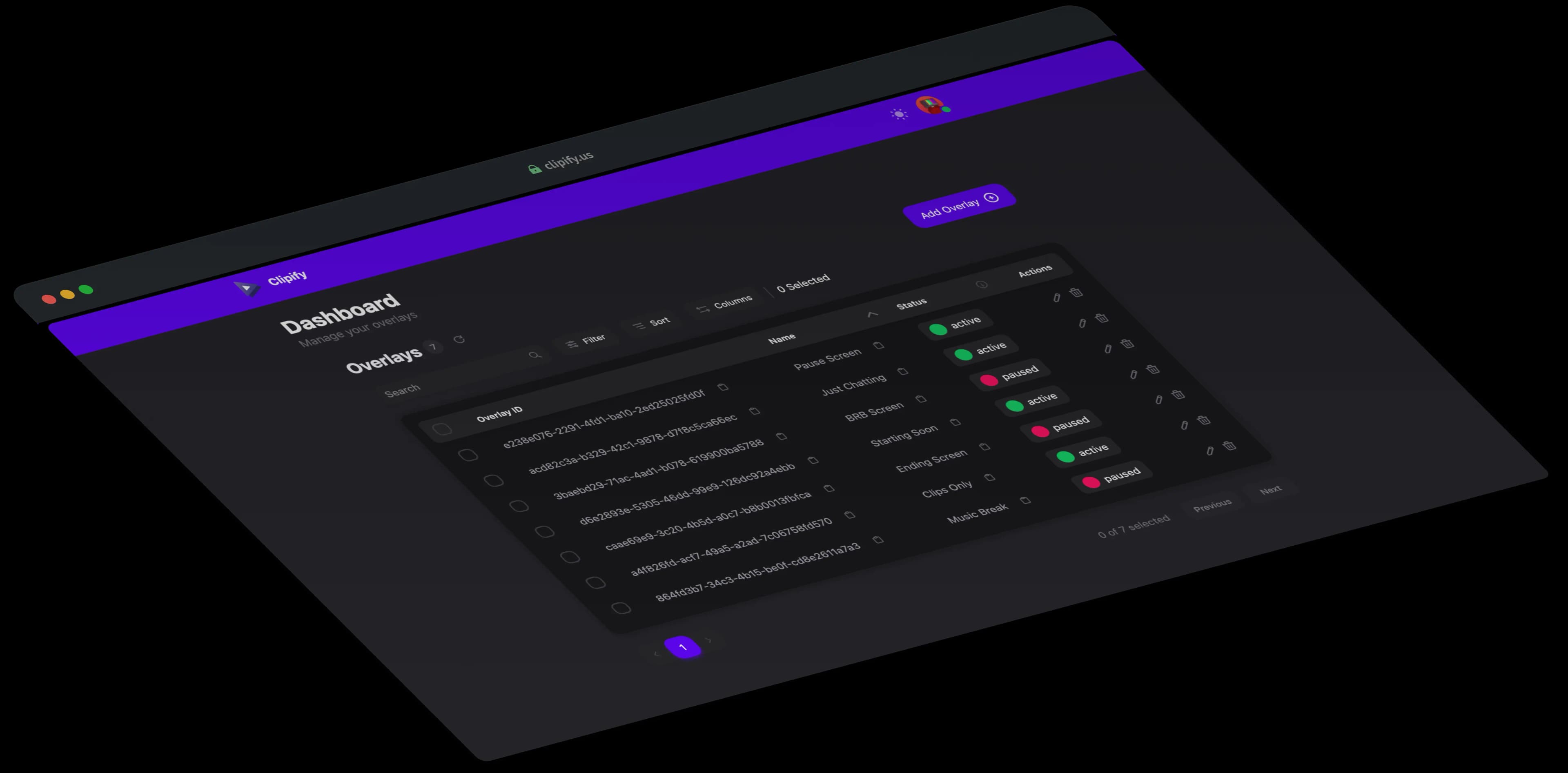
Clipify automatically plays your best Twitch clips to keep your channel active and your viewers engaged-even when you're away.
Intuitive interface designed for effortless setup and management.
It's as easy as adding a browser source to your streaming software.
Auto-play clips to keep your audience engaged even when you're away.
Build reusable clip playlists, reorder them manually, or auto-import highlights with filters for dates, creators, categories, and views.
Switch between Random, Top, and Smart Shuffle playback, plus advanced creator and category filters with Pro.
Create as many overlays as you like, use them for AFK screens, at the starting or end screens of your stream, or anywhere you want.
Let viewers trigger clip playback with Twitch channel points and keep chat engaged during breaks.
Control clips from Twitch chat or use the dedicated remote panel on your phone or second monitor to pause, skip, mute, manage queues, and monitor playback while live.
Build your own overlay look with drag-and-drop cards, custom colors/fonts/effects, timer, and progress bar styling.
Give trusted teammates access to manage overlays and playlists without sharing your full account credentials.
Share a home for all your clips or embed responsive galleries on your own website with Clipify Elements.
Automatically play your clips 24/7, or keep them running as a failsafe when your OBS setup goes offline.
Choose Free or Pro, then add self-hosted Runners when you want to run Clipify from your own hardware.
Everything you need to get your clips on stream and online.
Free
Save 2 months with yearly billing
Advanced control, customization, and insights for serious creators.
€20.00/per year
Save 2 months with yearly billing
Your subscription directly supports an independent developer building Clipify.
Run Clipify from your own hardware for continuous playback or as an OBS failsafe.
Available with Free or Pro
Need a managed Runner?€30.00 / year
Select Get Pro to include it during setup.
Try our live demo to preview how clips play and how overlays behave on your stream.
Find answers to the most common questions about Clipify.